

Latest Version
波 宋
Tools
Mac
$2.99
867373024
Report a Problem
More About SimpleCleaner
Over time, every Mac accumulates digital debris that silently eats away at valuable storage. SimpleCleaner Mac storage optimizer offers a streamlined, efficient solution to this universal problem. Developed by 波 宋, this utility is engineered specifically for macOS users who want a quick, no-nonsense way to reclaim their hard drive capacity without navigating overly complex menus or risky command-line tools.
Who Benefits Most from SimpleCleaner?
This utility is ideal for creative professionals, developers, and everyday users who handle large volumes of data. If you frequently download heavy assets, work with multiple web browsers, or manage local development environments, your system is likely holding gigabytes of unnecessary cache files. SimpleCleaner targets these exact digital hiding spots to restore your machine's peak efficiency.
Key Features and Target Areas
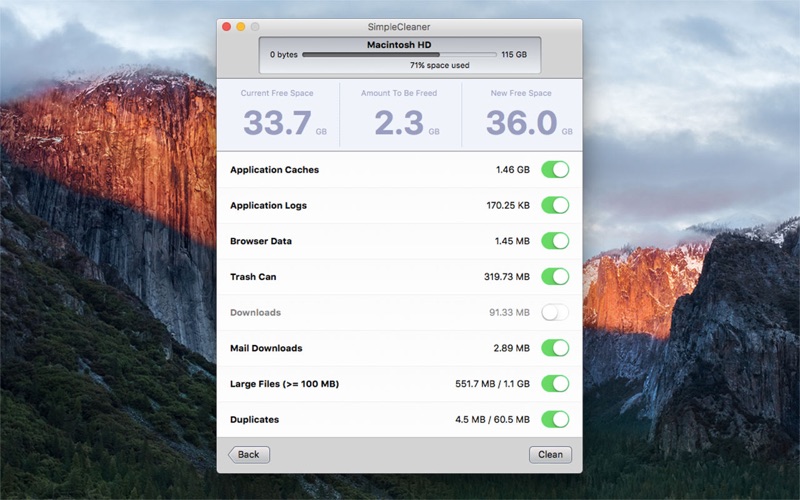
The strength of the SimpleCleaner Mac storage optimizer lies in its targeted scanning architecture. Instead of a generic sweep, it focuses on specific categories known for hoarding space:
- System and App Overhead: Safely removes Application Caches and Application Logs that are no longer needed.
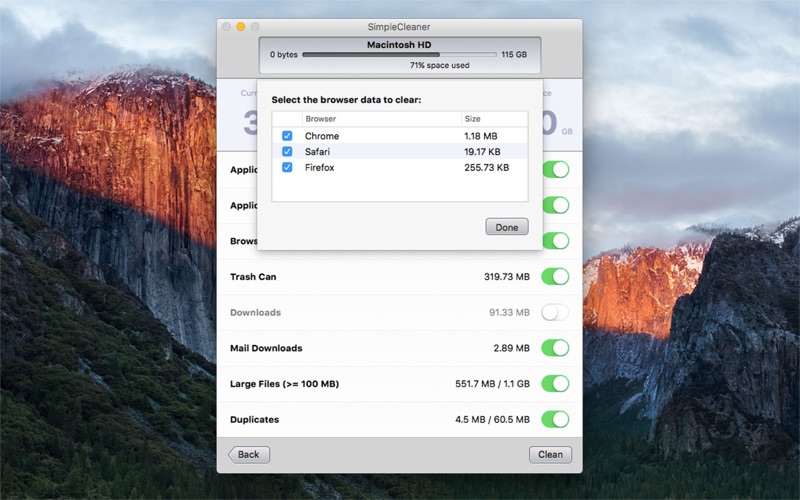
- Web and Dev Junk: Clears accumulated Browser Data and Developer Tool Caches to keep your workspaces clean.
- Mail and Download Management: Scrubs the Downloads folder and Mail Downloads folder to remove forgotten attachments and installers.
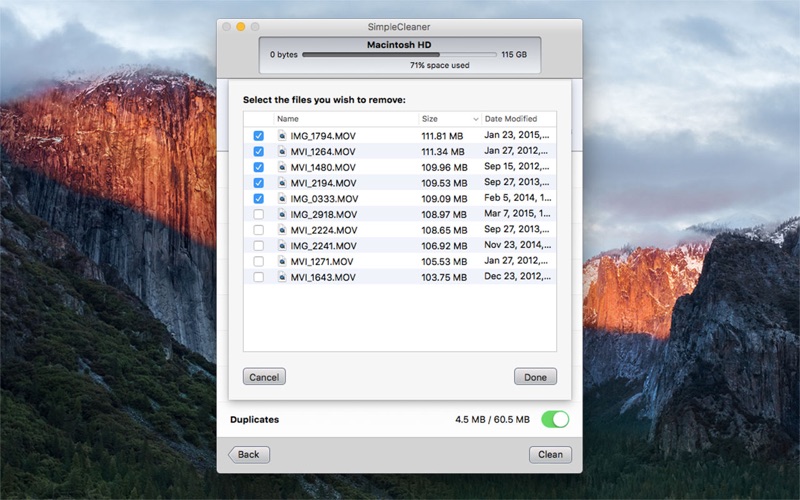
- Heavy File Detection: Instantly isolates Large Files (equal to or greater than 100 MB) so you can review what is occupying the most space.
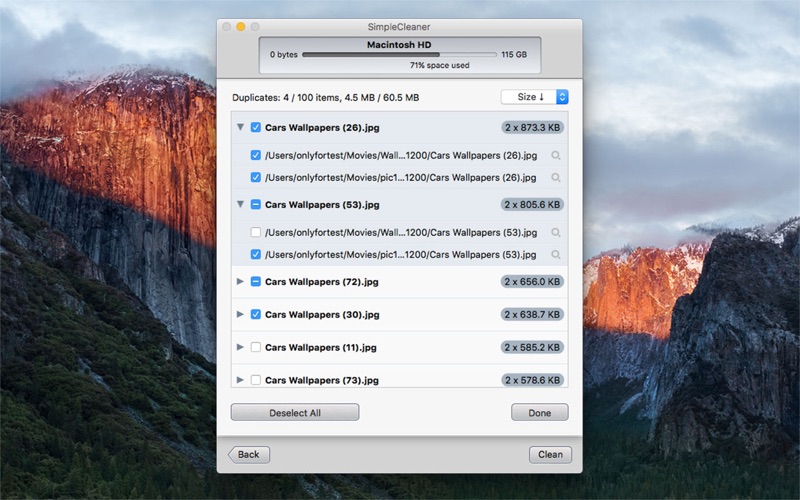
- Redundancy Removal: Scans both internal Hard Disks and connected External Disks to locate and delete identical duplicate files.
Streamlined Storage Management
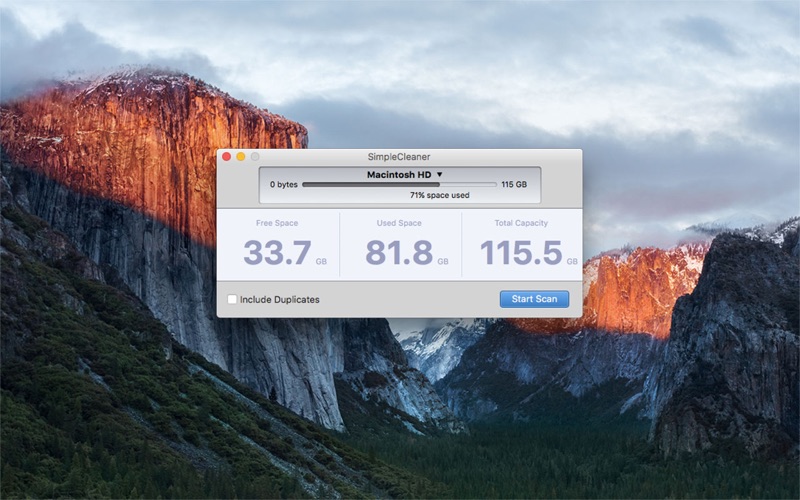
Unlike complex disk utilities, this tool focuses on ease of use. With just a few clicks, you can scan your entire system, review the detected items, and safely empty your Trash Can along with other redundant directories. It provides a highly visual, straightforward breakdown of where your storage is going, making disk maintenance a task that takes seconds rather than hours.
Our Verdict
For Mac users seeking a dedicated, lightweight utility to handle routine digital housekeeping, this app delivers exactly what it promises. It strips away the complexity of file management and gives you direct control over your storage. To try it out and optimize your own system, visit the official Mac App Store to download the utility directly from the developer.
Rate the App
User Reviews










Popular Apps










Editor's Choice