

Latest Version
Appgrammers LLC
Tools
Mac
Free
913724705
Report a Problem
More About Disk Care: Drive Space Cleaner
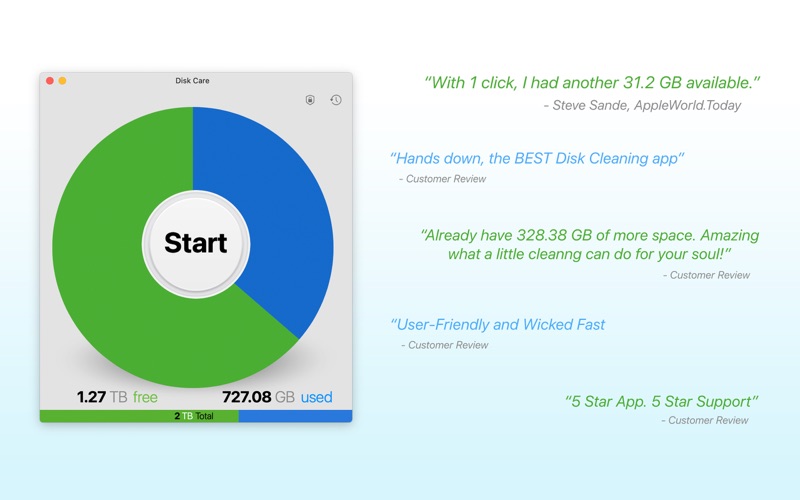
Over time, even the most powerful Mac computers accumulate digital clutter that slows down performance and eats up valuable storage. Disk Care: Drive Space Cleaner by Appgrammers LLC offers an elegant, highly effective solution to this common problem. Designed specifically for macOS and fully optimized for Apple Silicon, this utility provides a streamlined way to sweep away unneeded system files, application remnants, and hidden caches in just a few clicks.
Why Mac Users Need Disk Care: Drive Space Cleaner
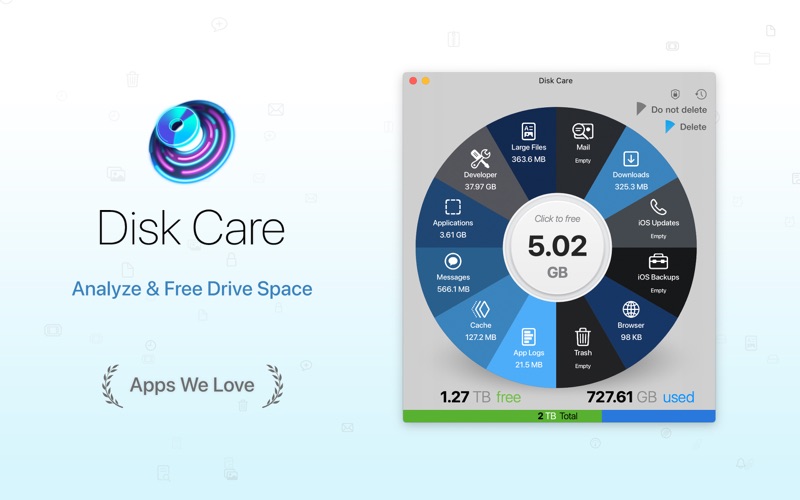
Unlike basic storage managers, Disk Care: Drive Space Cleaner targets the deep-seated folders that casual users rarely know how to find. From hidden application support files to outdated iOS backups, the app safely visualizes what is taking up space on your drive. It is an ideal tool for creative professionals, developers, and everyday users who need to maximize their local storage without risking critical system data.
Targeted Cleanup Categories
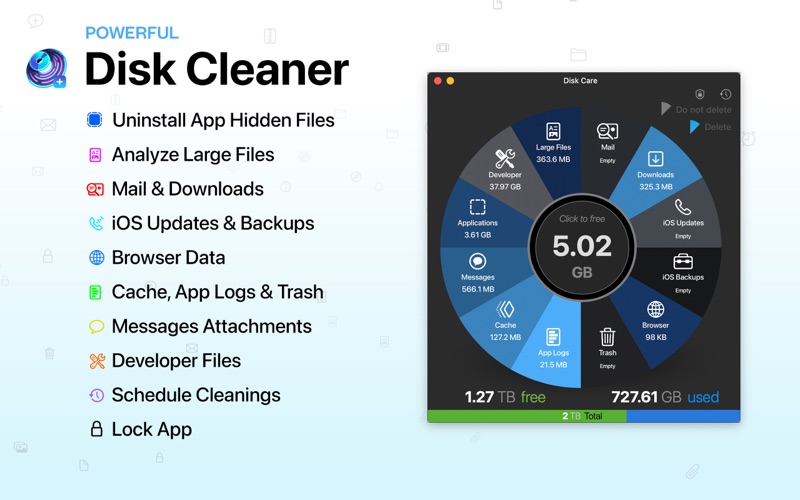
The application scans and optimizes several specific system areas where digital waste tends to accumulate:
- Application Support & Caches: Removes temporary files left behind by active and deleted software.
- iOS Updates & Backups: Clears massive, outdated mobile device backups and update files.
- Mail & Browser Data: Safely purges accumulated attachments and web browser history.
- Developer Files & System Logs: Cleans up heavy diagnostic logs and developer-specific build files.
Smart Features for Safe Disk Maintenance
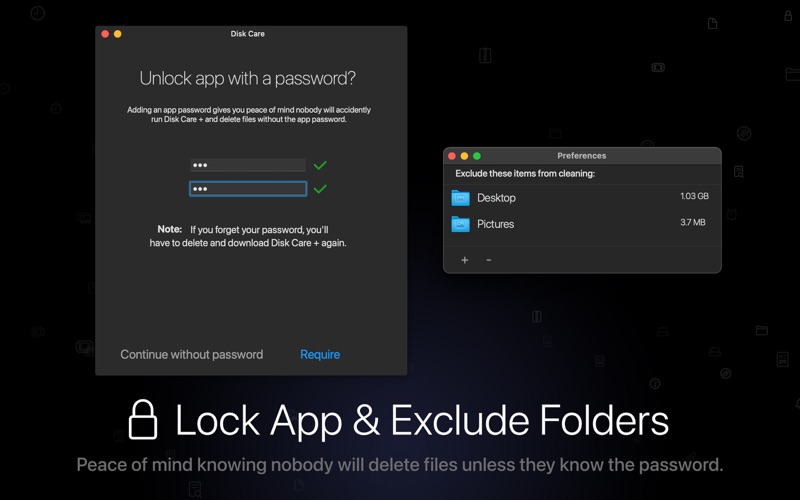
One of the standout aspects of Disk Care: Drive Space Cleaner is its commitment to safety. The utility features a built-in tutorial and mandatory warnings before any deletion takes place, ensuring users are fully aware of the actions they are performing. Additionally, the software includes a "Lock" feature to prevent accidental access by other users on your Mac.
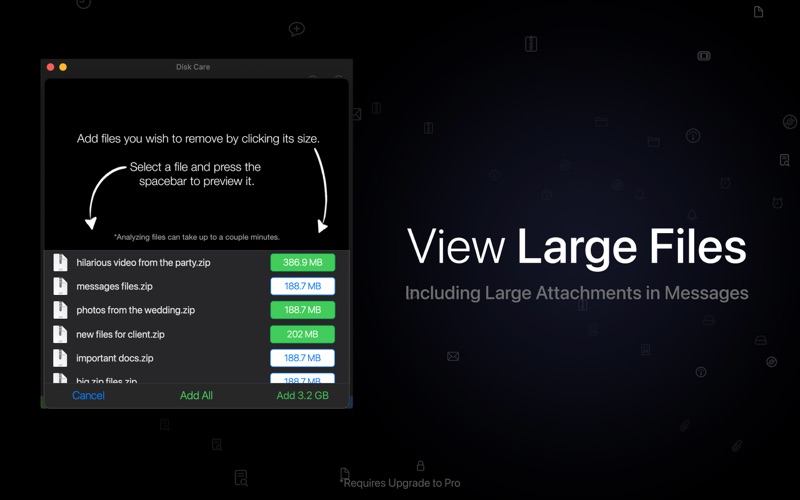
For those looking to purge massive files manually, the dedicated Large Files view organizes items over 100 MB from largest to smallest, featuring a built-in quick-look theater to preview files before deciding their fate. Users can also configure exclusion lists in the preferences to guarantee that sensitive folders or critical project files are never touched during a cleaning cycle.
Automated Scheduling
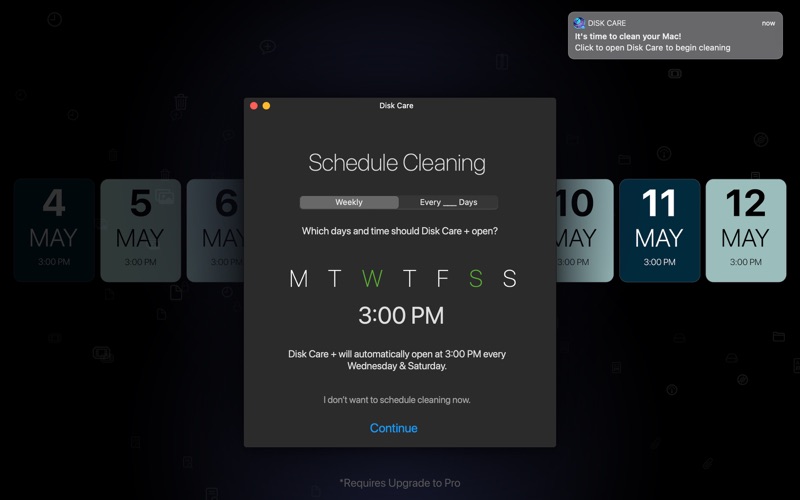
To help you stay on top of your storage, you can schedule the utility to launch automatically on specific days of the week or at set intervals. To prioritize user control, the application will only auto-open as a reminder rather than automatically deleting files without your explicit consent.
Is It Right For You?
If you are constantly battling "disk almost full" warnings and want a native, beautifully designed macOS application that respects your control over your data, this tool is highly recommended. It simplifies complex file structures into a clean, minimalist interface that looks right at home on modern Apple hardware.
To learn more or to add this utility to your workflow, visit the official Mac App Store page to view current availability and download options.
Rate the App
User Reviews










Popular Apps










Editor's Choice