

Latest Version
Shrishail Rana
Tools
Mac
$9.99
1028314558
Report a Problem
More About Disk Clean Pro
The Frustration of a Sluggish Mac
Picture this: you are in the middle of an important project or trying to edit a high-resolution video, and your Mac suddenly grinds to a halt, displaying the dreaded "disk almost full" warning. Over time, macOS accumulates hidden caches, system logs, redundant duplicates, and large forgotten files that quietly devour your storage. Developed by Shrishail Rana, the Disk Clean Pro Mac optimizer offers a comprehensive suite of utilities designed to reclaim your digital space and restore your system's original responsiveness.
What is Disk Clean Pro?
Disk Clean Pro is a dedicated utility categorized under system tools, specifically engineered for the Mac platform. It serves as an all-in-one maintenance suite that targets clutter at every level of your operating system. Rather than manually digging through deeply buried library folders, users can leverage this tool to safely identify and purge unnecessary data without risking critical system files.
Key Features of the Disk Clean Pro Mac Optimizer
The software organizes its maintenance tools into distinct, easy-to-navigate modules, ensuring both novice and advanced users can optimize their machines efficiently:
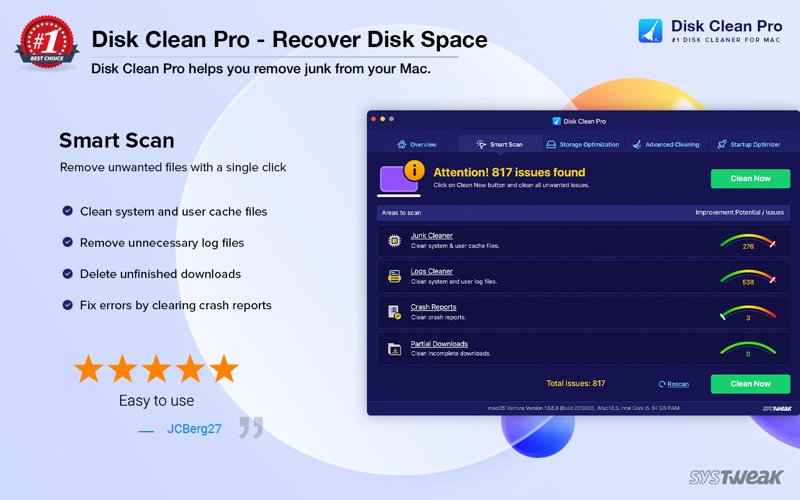
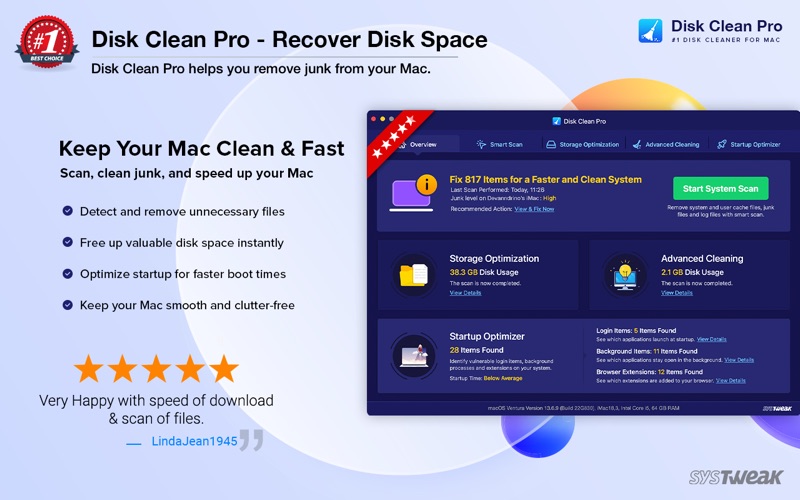
- One-Click Cleaning: The automated Smart Scan combines the power of the Junk Cleaner, Logs Cleaner, Crash Reports manager, and Partial Downloads remover to sweep away digital debris in a single action.
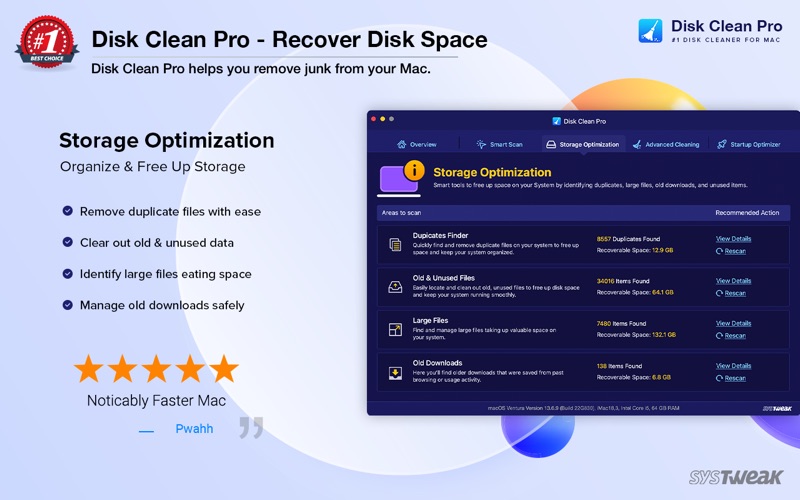
- Storage Optimization: Easily locate and manage space-hogging culprits. The Duplicate Finder identifies identical files, while dedicated scanners highlight old, unused, and exceptionally large files that are ripe for archiving or deletion.
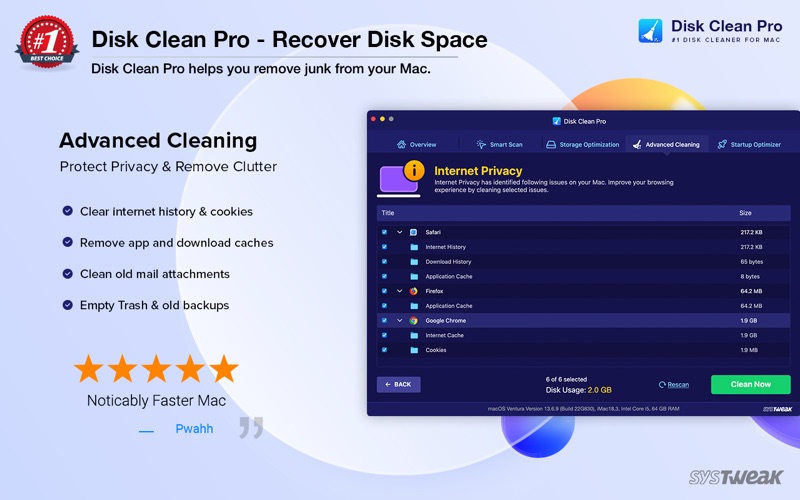
- Advanced Privacy Protection: Safely clear out internet browsing histories, cookies, and traces from supported web browsers, alongside mail attachments and residual application clutter.
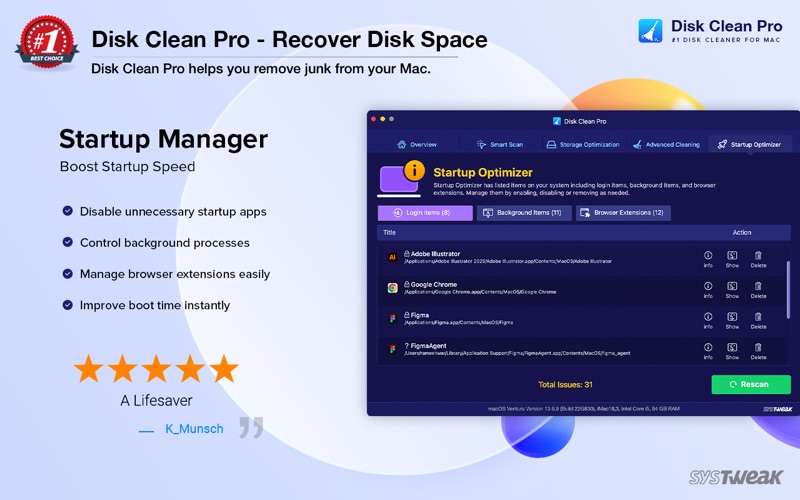
- Startup Manager: Take control of your boot times by managing login items, background processes, and browser extensions that silently drain system resources upon startup.
Who Is This Utility For?
If you are a creative professional, a remote worker, or anyone who relies heavily on a Mac for daily tasks, managing local storage is a constant battle. This utility is ideal for those who want a structured, safe, and automated way to keep their machines running smoothly without spending hours manually auditing folders. By optimizing startup items and clearing deep-seated system logs, it helps maintain a healthy, productive workflow.
Get the Official App
If you are ready to reclaim your storage space and elevate your machine's performance, you can find more details and purchase the application directly from the official Mac App Store.
Rate the App
User Reviews











Popular Apps










Editor's Choice