Latest Version
dave smits
Communication
Windows
1.29
9plkfzwxhfch
Report a Problem
More About My Colleagues
The Challenge of Modern Hybrid Workspaces
In today's fast-paced corporate environments, keeping track of your team's availability can feel like a constant chore. Constantly switching windows or searching through cluttered interfaces just to see if a key teammate is free disrupts your focus. The My Colleagues team status tracker is designed to solve this exact problem by bringing your most important contacts directly to your desktop.
What is My Colleagues?
Developed by Dave Smits, My Colleagues is a dedicated communication utility for Windows designed to display the real-time availability and custom status messages of your frequent contacts in one unified, easily accessible interface. By integrating directly with Microsoft 365 and Office 365 workflows, it bridges the gap between active collaboration and passive awareness.
Key Features and Integration Capabilities
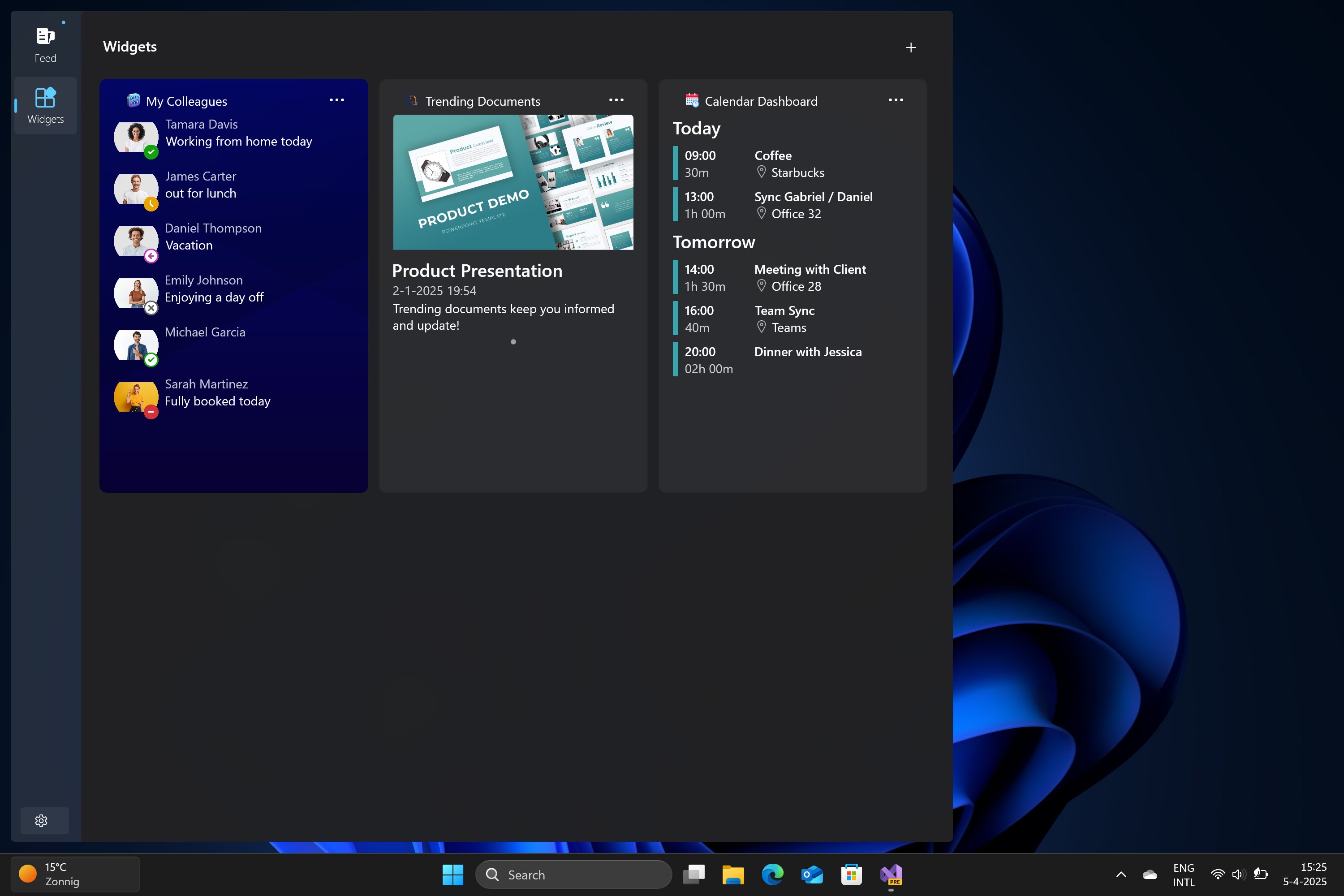
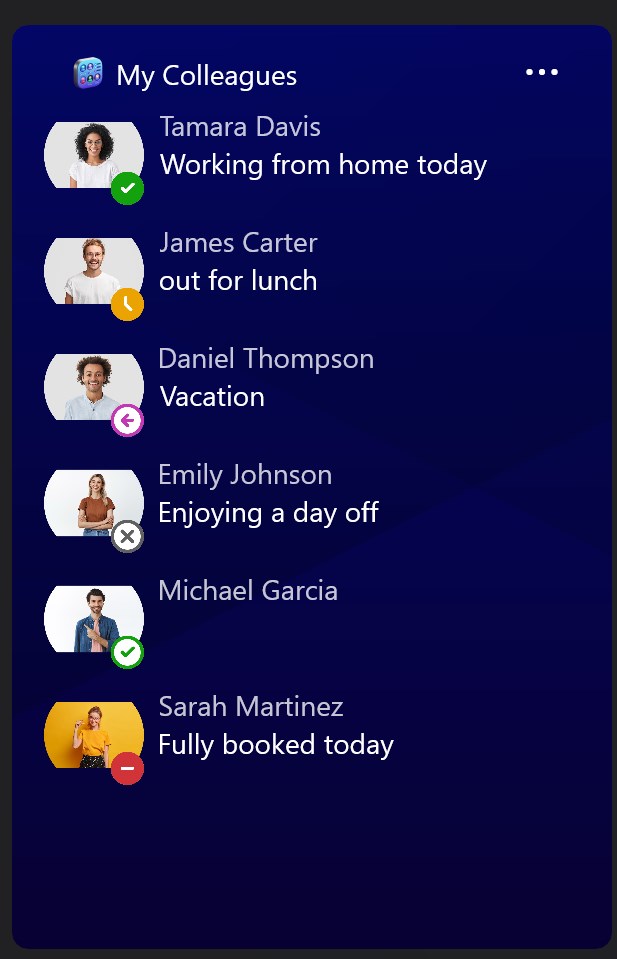
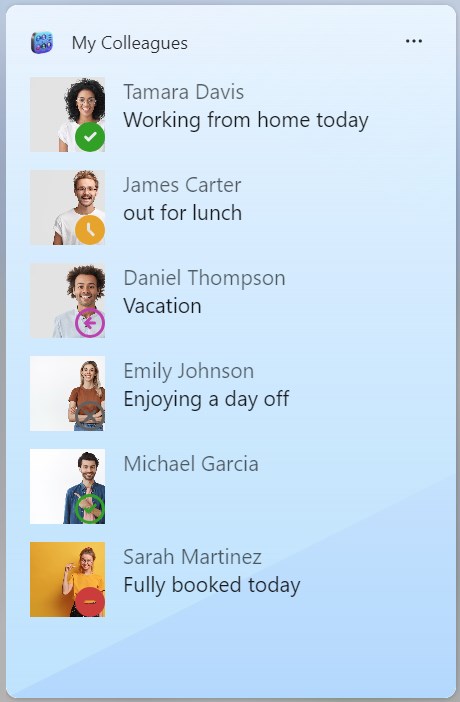
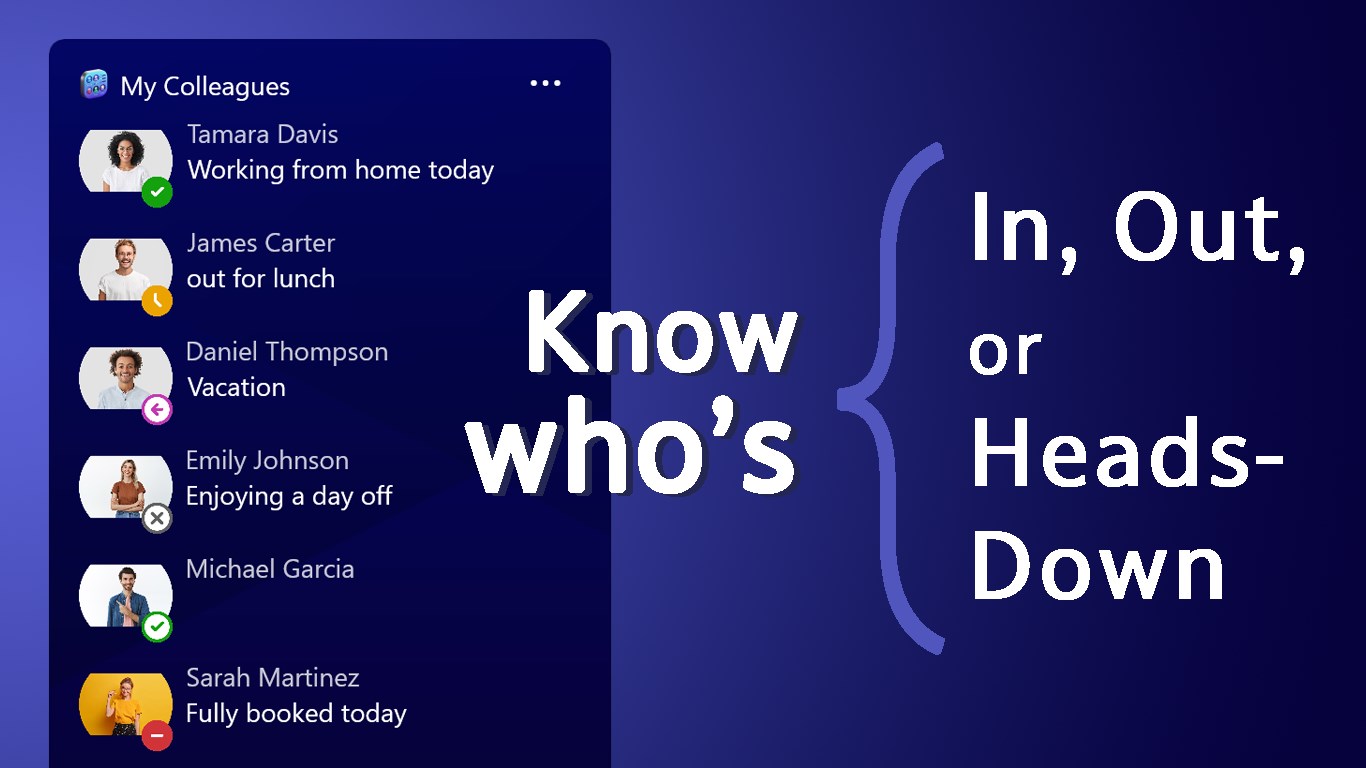
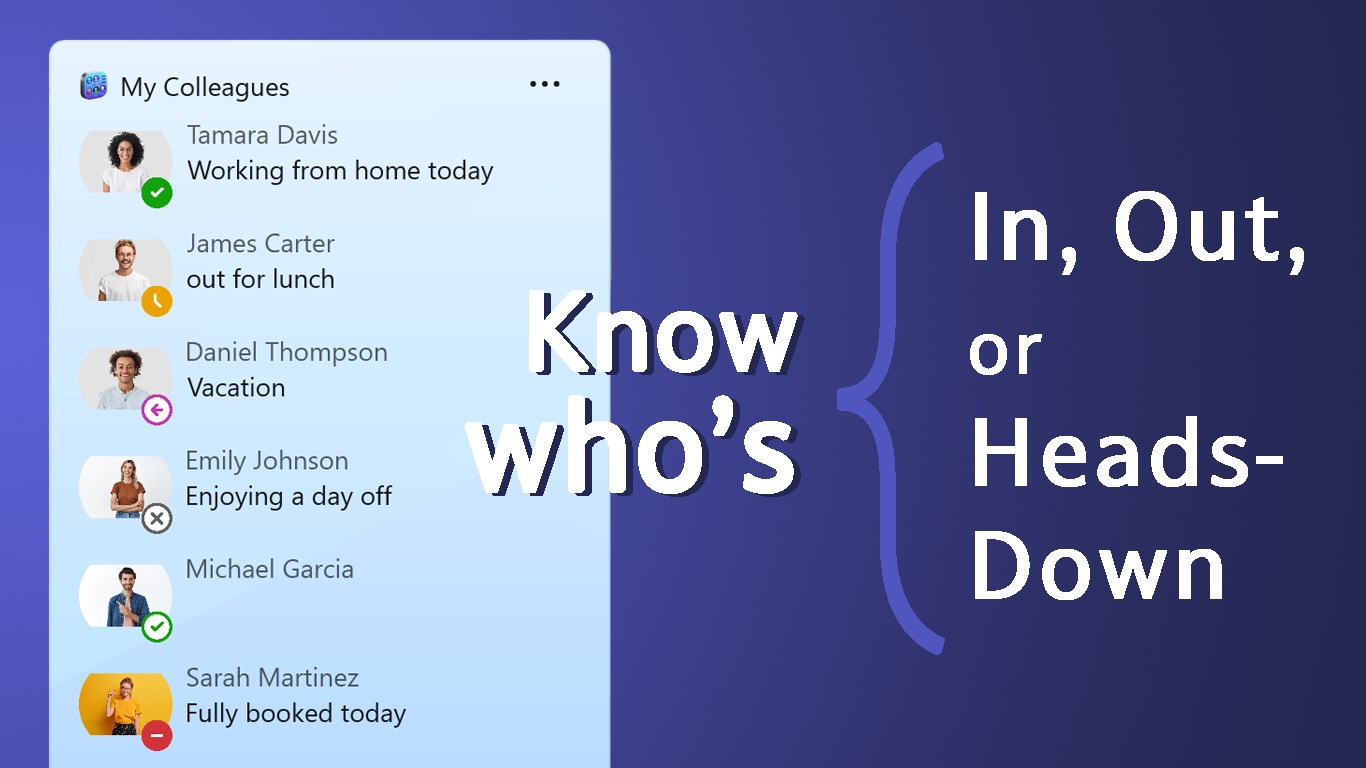
- Real-Time Status Indicators: Instantly view who is active, busy, in a meeting, or away without opening your full collaboration suite.
- Direct Microsoft Teams Chat: Start conversations immediately with a single click, launching chats directly inside Microsoft Teams.
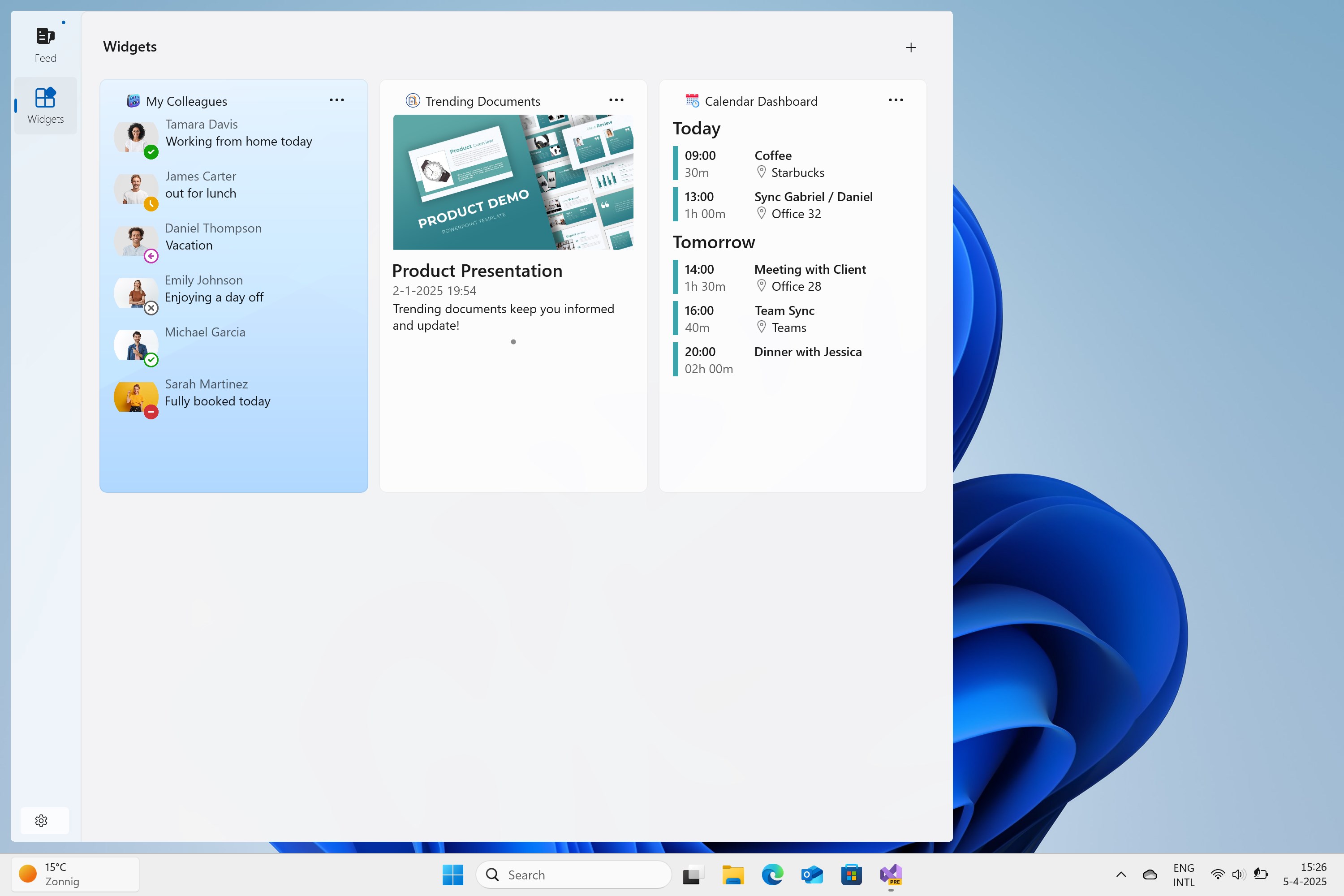
- Windows 11 Widget Support: Dock your team list right on your Windows 11 widget board for rapid, glanceable updates throughout the workday.
- Broad Account Support: The utility works with both personal Microsoft accounts (such as Outlook and Hotmail) and corporate organizational accounts.
Enterprise Administration and Deployment Notes
Because My Colleagues is built by an individual developer rather than a large enterprise organization, it does not carry a verified publisher status. For corporate users, this means a Microsoft 365 tenant administrator must manually approve and allow the application for use within your organization’s environment. Once approved, it serves as a highly efficient tool for day-to-day productivity.
Final Verdict
If you are looking to minimize application switching and want a lightweight, widget-integrated solution to keep your closest coworkers within arm's reach, this utility offers a highly focused solution. To learn more or to add this tool to your Windows workspace, visit the official Microsoft Store page.
Rate the App
User Reviews









Popular Apps










Editor's Choice