

Latest Version
Microsoft Corporation
Communication
Windows
Free
9mspc6mp8fm4
Report a Problem
More About Microsoft Whiteboard
Unleashing Team Creativity on an Infinite Digital Canvas
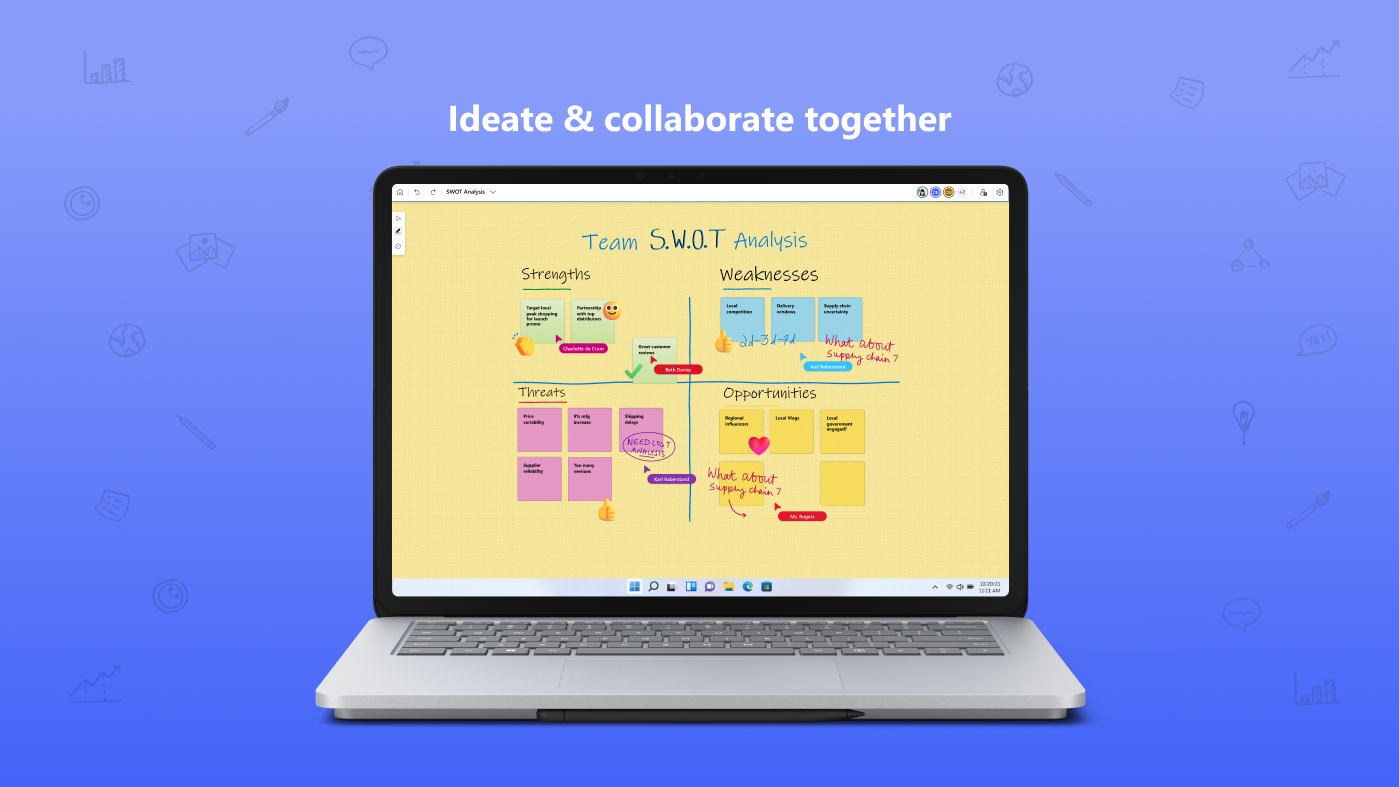
Imagine walking into a brainstorming session where the physical limitations of markers, sticky notes, and whiteboard borders simply do not exist. That is the exact experience offered by the Microsoft Whiteboard digital canvas. Designed to integrate seamlessly into modern workflows, this tool transforms the classic whiteboard experience into an intelligent, cloud-powered workspace where teams can visually map out ideas in real time.
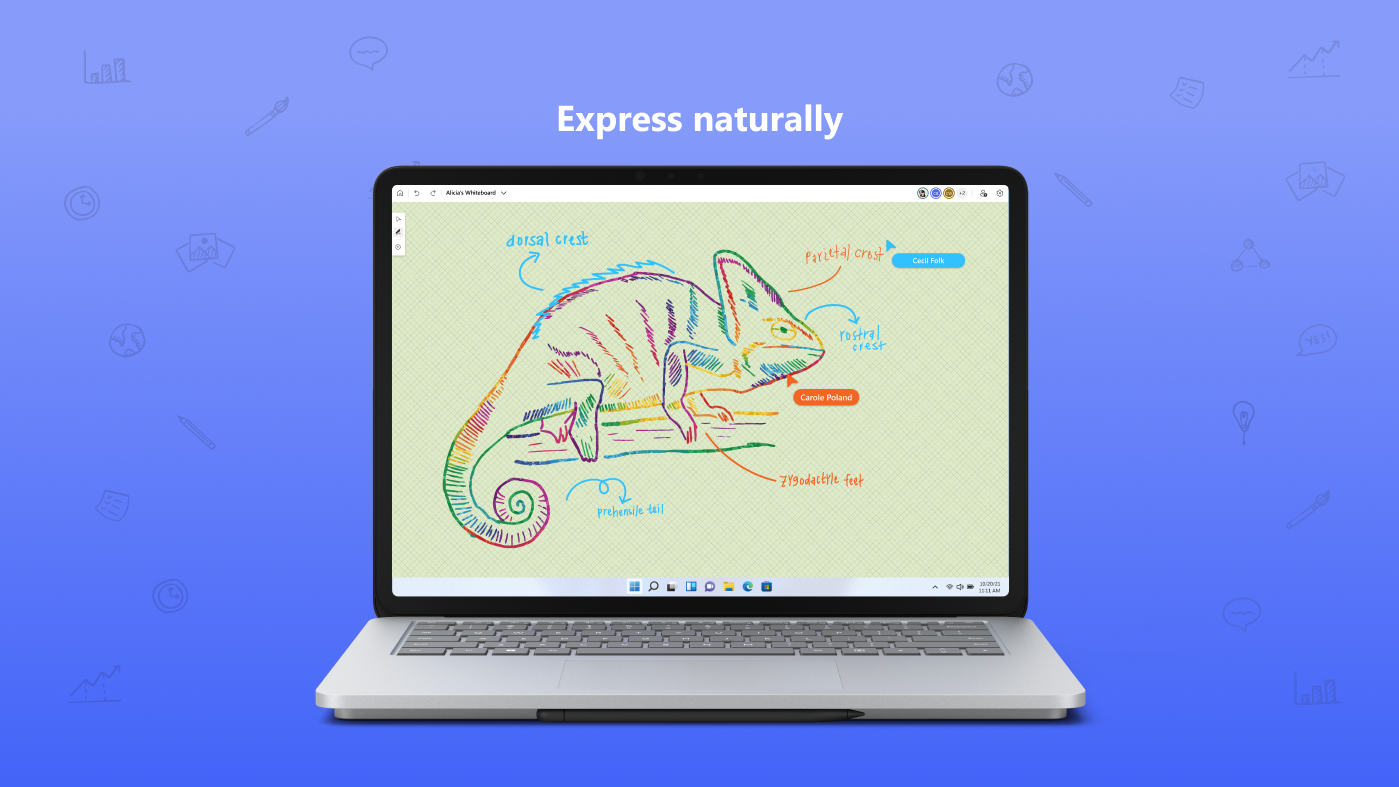
Whether you are sketching a complex system architecture, organizing a sprint planning session, or hosting an interactive remote classroom, the interface adapts effortlessly. It responds naturally to touch, digital pens, and traditional keyboard inputs, making the transition from analog to digital feel entirely organic.
Key Features of the Microsoft Whiteboard Digital Canvas
This platform is packed with practical tools designed to streamline group collaboration and individual planning. Here are the standout capabilities:
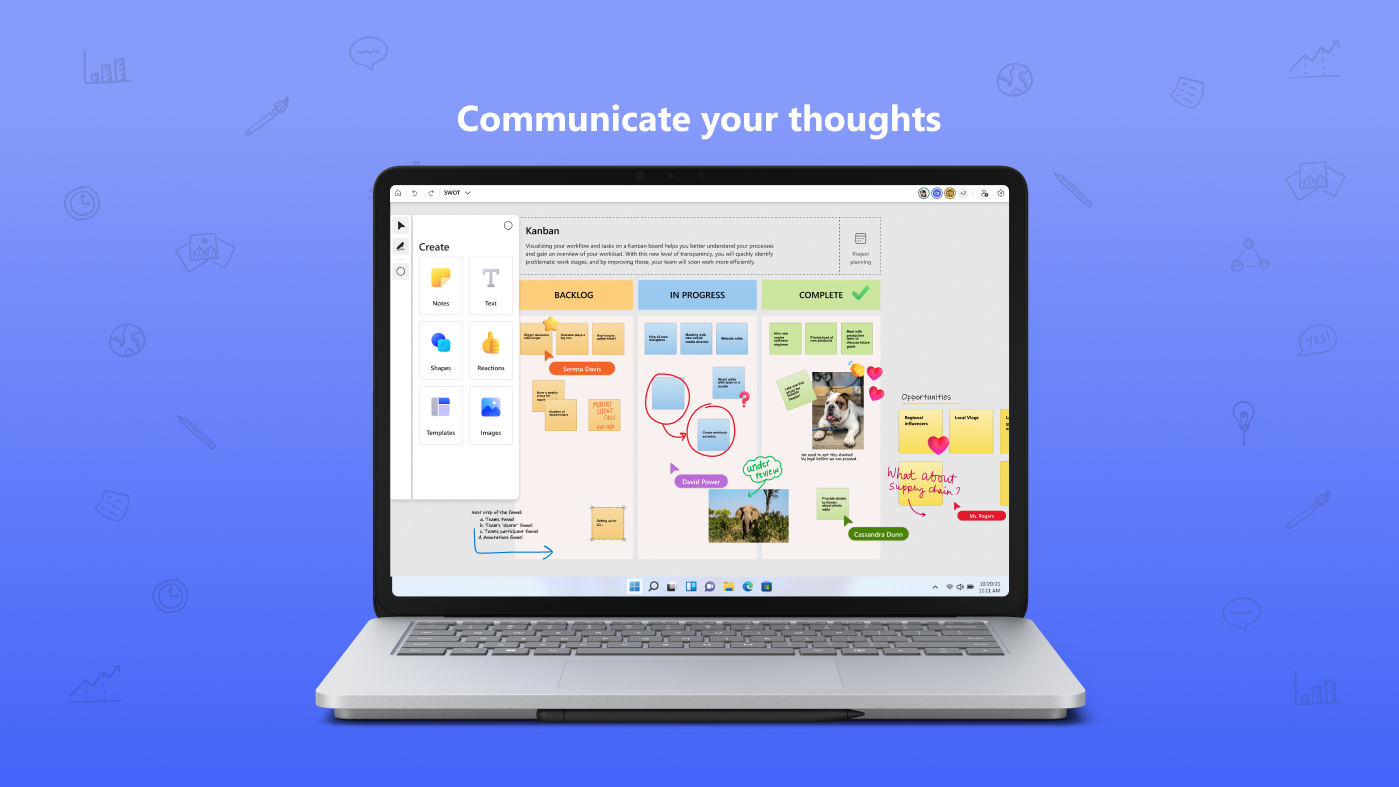
- Real-Time Cloud Collaboration: Team members can contribute to the same canvas simultaneously from different locations, ensuring everyone stays aligned during fast-paced sessions.
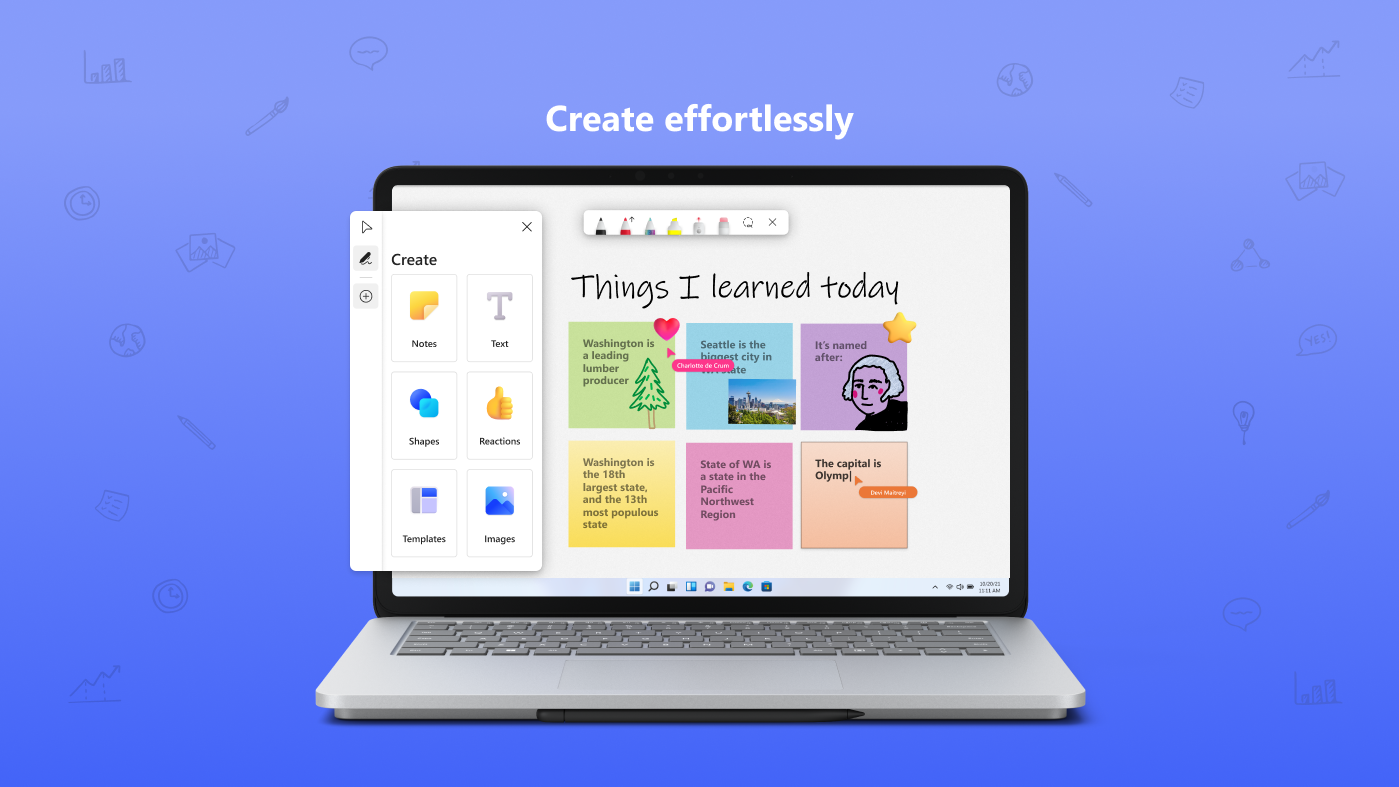
- Intelligent Input Options: Write or draw with ink that feels smooth and responsive, or type in text, drop in images, and place digital sticky notes to organize thoughts.
- Expansive Shapes and Flowcharts: Utilize a rich library of pre-built shapes and structured templates to quickly build flowcharts, mind maps, or project timelines.
- Interactive Reactions: Use quick visual reactions to vote on ideas, provide feedback, and communicate thoughts instantly without cluttering the canvas.
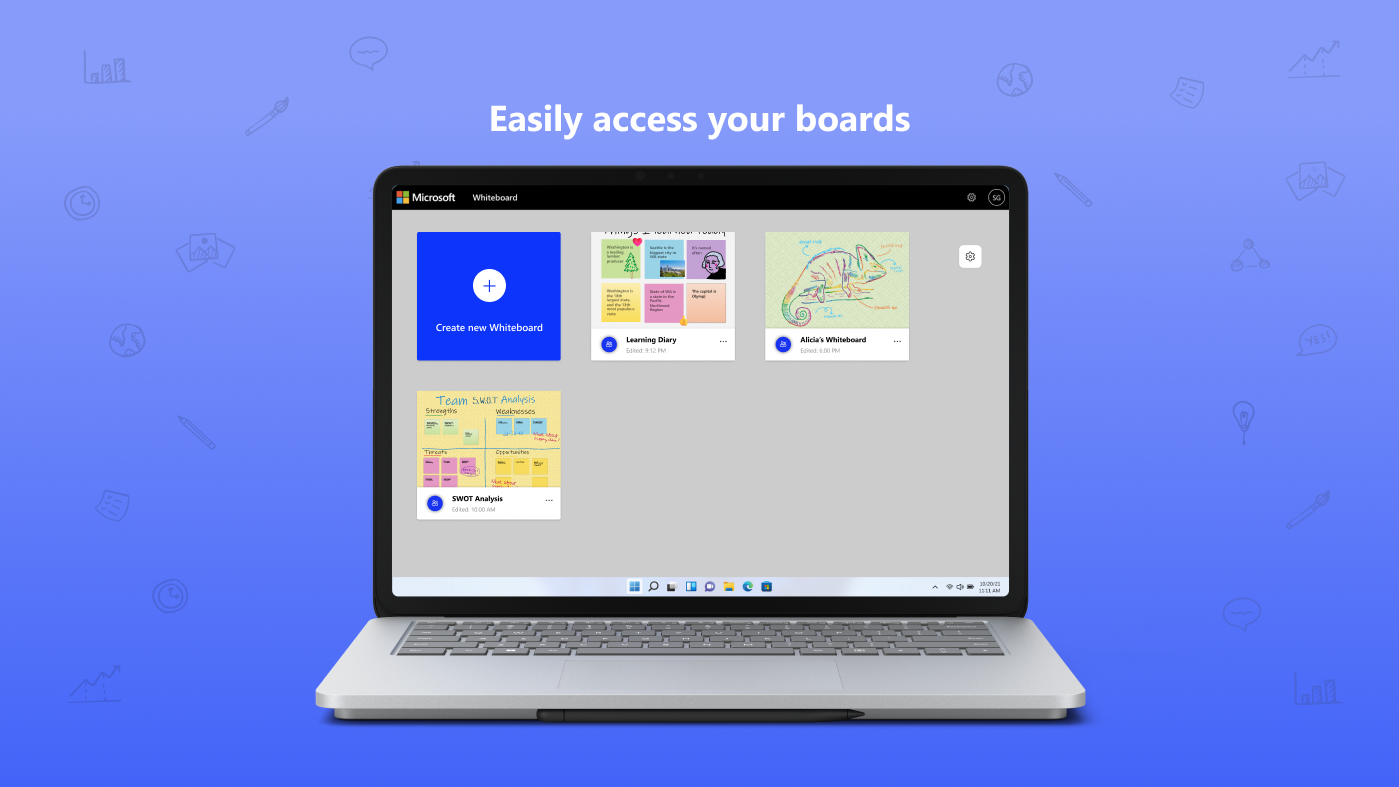
- Secure Cloud Storage: Rest assured knowing that all brainstorming sessions are automatically saved in the cloud, allowing you to pick up exactly where you left off on any compatible device.
Who is This Interactive Tool For?
The Microsoft Whiteboard digital canvas is built primarily for professionals, educators, and students who require a highly visual, collaborative hub. It is an exceptional resource for remote and hybrid teams who need a central space to map out strategies, as well as teachers looking to create dynamic, engaging lessons that students can interact with in real time.
An Essential Hub for Visual Thinkers
By blending the simplicity of physical drawing with the limitless power of the cloud, this application stands out as a premier solution in the communication and productivity space. It successfully removes the geographical barriers of teamwork, turning every meeting into an active, creative workshop.
To experience this collaborative workspace firsthand, explore the official Microsoft Store page to learn more about how to integrate it into your workflow.
Rate the App
User Reviews








Popular Apps










Editor's Choice