

Latest Version
IBV Informatik Beratungs und Vertriebs AG
Communication
Windows
Free
9nblggh4rqfj
Report a Problem
More About CollaBoard
Unleashing Team Creativity on an Infinite Canvas
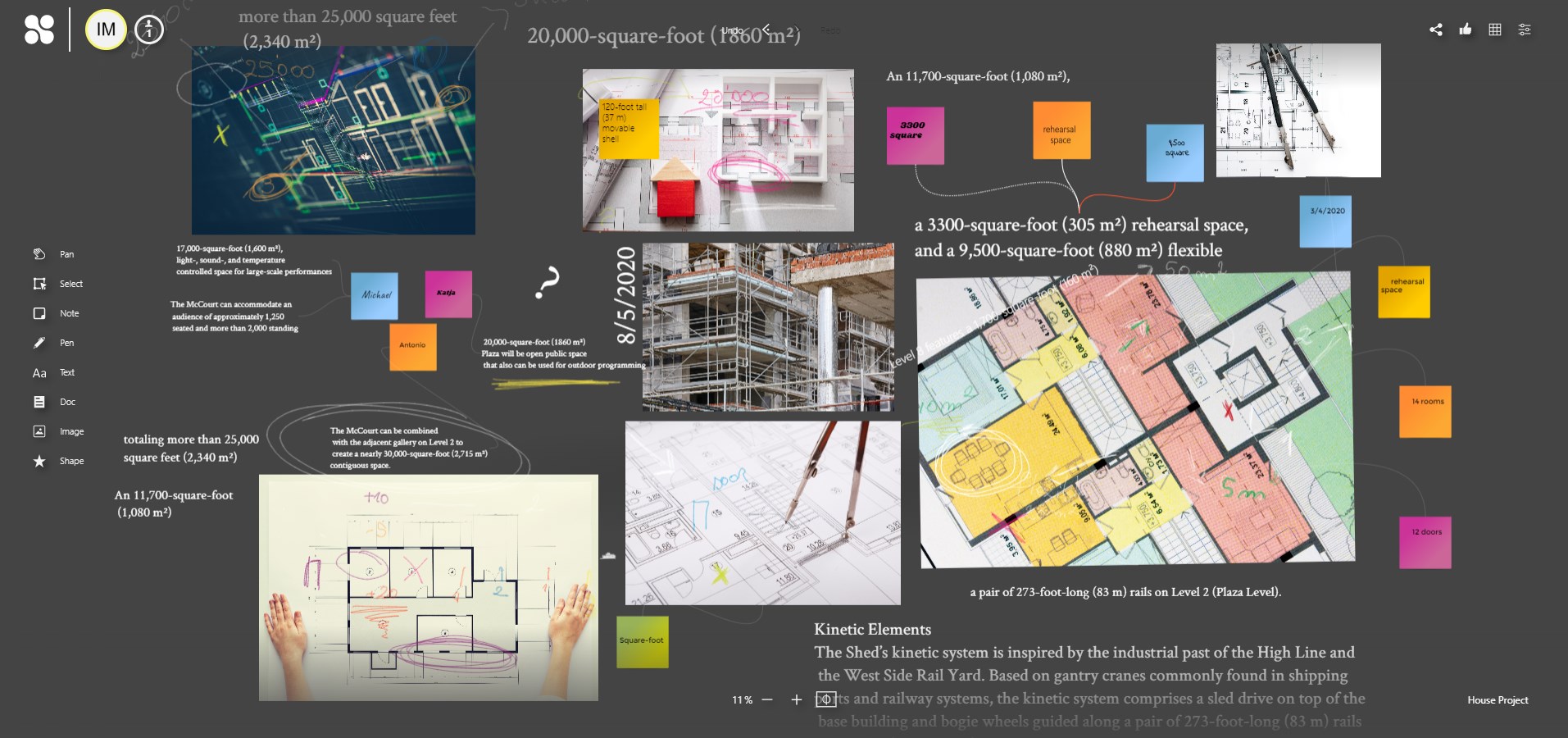
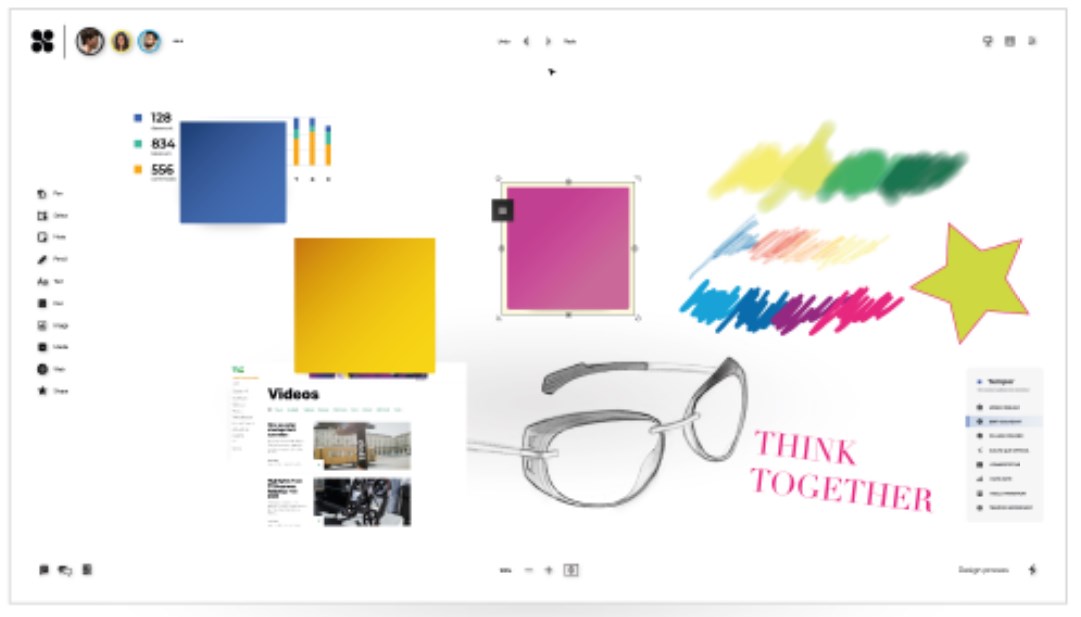
In modern corporate environments, bringing distributed teams together to brainstorm can be a significant logistical challenge. CollaBoard online whiteboard addresses this issue directly, offering a virtual workspace designed to replicate the tactile freedom of a physical brainstorming room. Developed by IBV Informatik Beratungs und Vertriebs AG for the Windows platform, this communication and collaboration software aims to streamline project planning and visual thinking.
Who Benefits Most from CollaBoard?
While many productivity tools focus on rigid task lists, this application is built for teams that thrive on visual communication. It is particularly beneficial for:
- Design Thinking Facilitators: Run complete interactive workshops with real-time feedback loops.
- Project Managers: Map out complex workflows, agile sprints, and project milestones on a single, expansive surface.
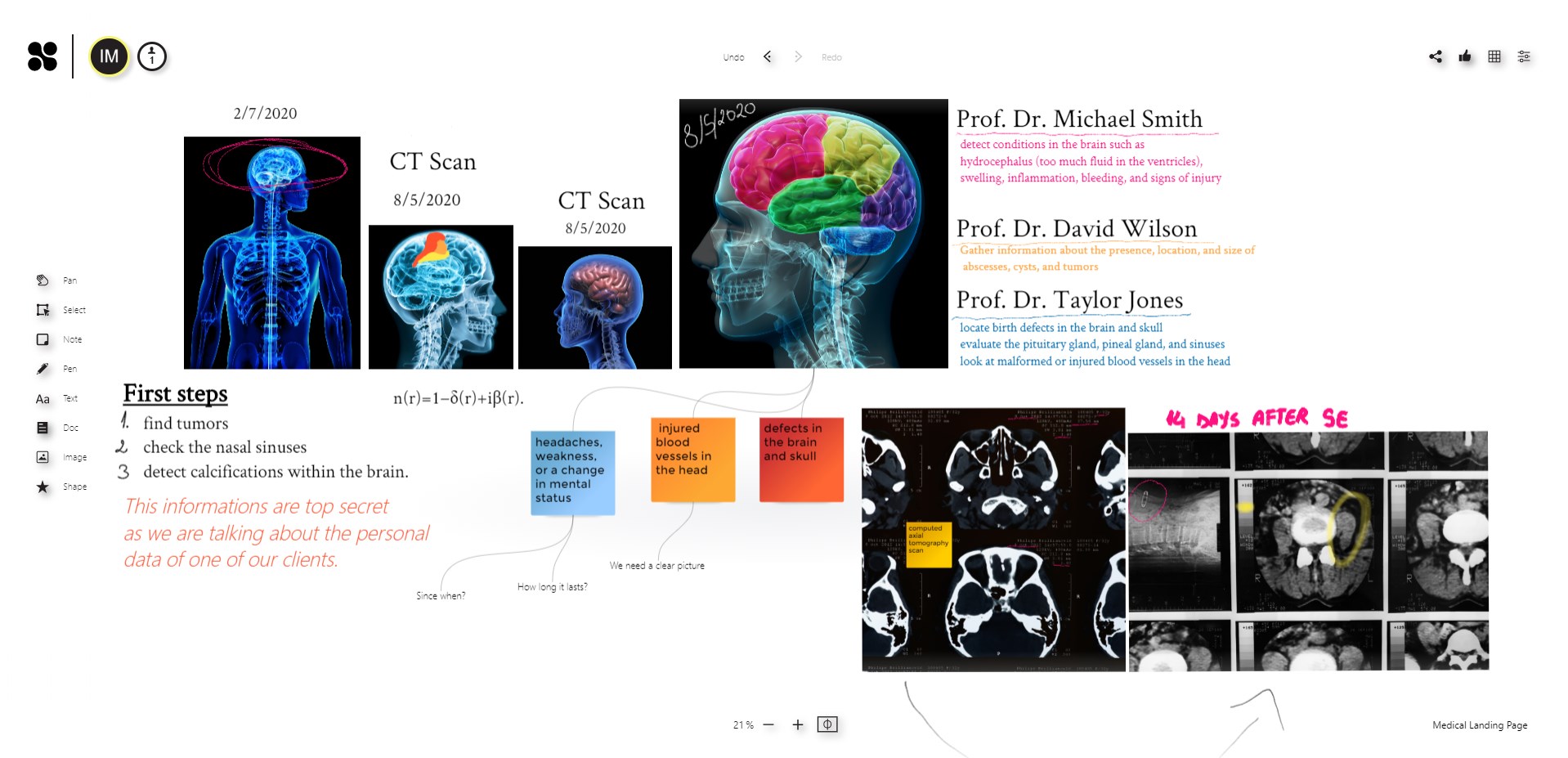
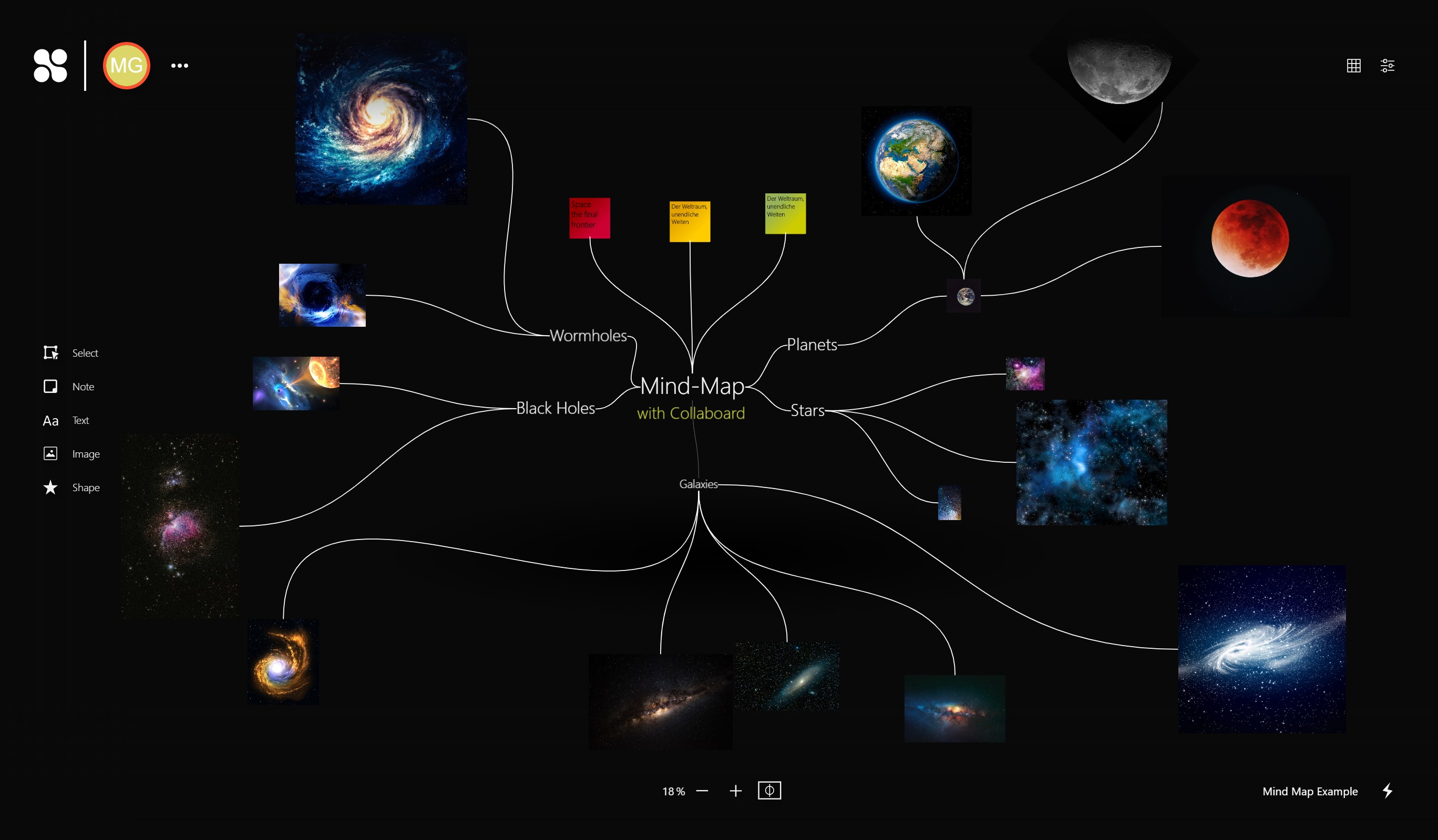
- Remote Creative Teams: Sketch out rough designs, build comprehensive mind maps, and organize mood boards collaboratively.
Key Features of the CollaBoard Online Whiteboard
The application provides a robust suite of tools that go beyond simple drawing utilities, making it a highly functional collaborative hub:
Infinite Digital Canvas
Never run out of space. The unlimited canvas allows your team to scale projects infinitely, adding new sections as ideas grow and evolve without worrying about borders or page limits.
Rich Media Integration
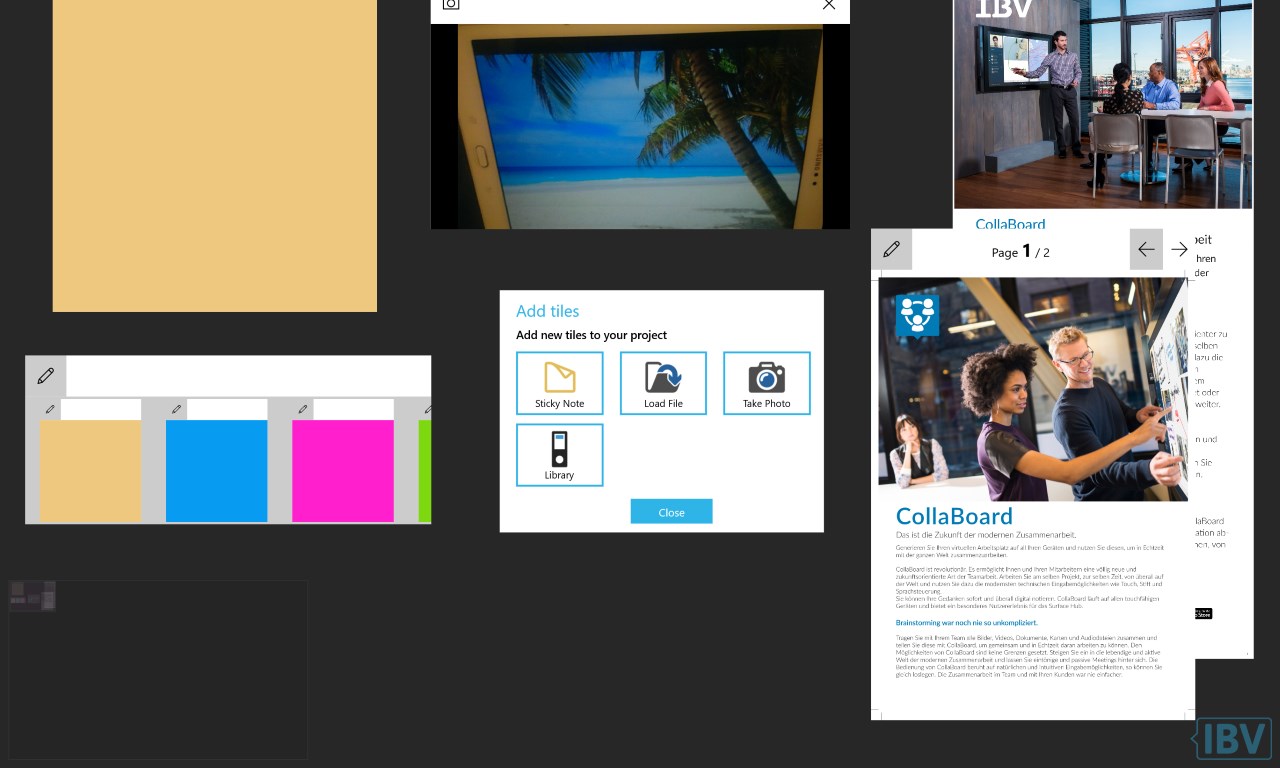
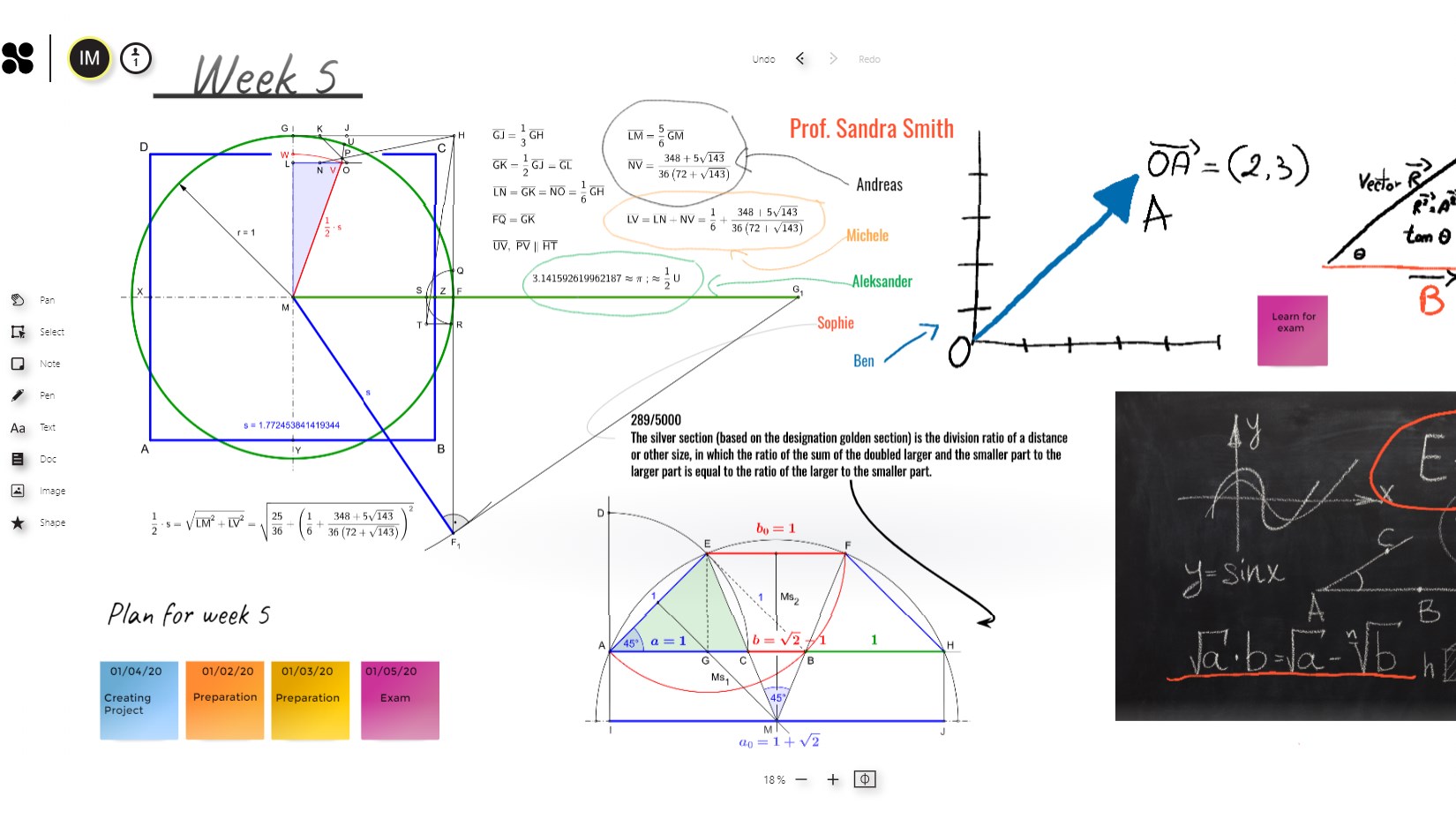
An effective brainstorm requires more than just text. Users can upload and position sticky notes, high-resolution images, essential business documents, videos, and structured vector shapes to build a comprehensive reference board.
Natural Pen and Ink Input
For Windows devices supporting touch or stylus input, the software lets users write, draw, and sketch ideas with natural pen flow, capturing the organic feel of drawing on a physical whiteboard.
Streamline Your Workflow Today
If your team requires a highly visual, real-time environment to map out strategies and organize complex workflows, this platform offers a structured yet flexible solution to bridge the distance gap. To see how it fits into your organization's workflow, you can explore the application details and subscription options directly on the official Microsoft Store.
Rate the App
User Reviews









Popular Apps










Editor's Choice